Updated · by the PumpkinStencil team
How the pumpkin carving preview works
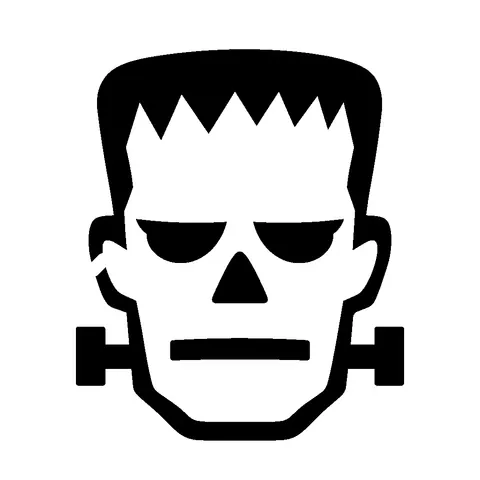
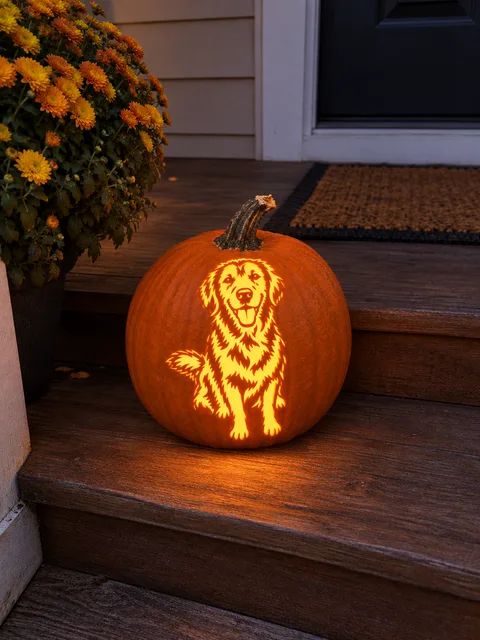
- Pick a stencil. Choose any of the 150 free designs in the gallery, or hand over a stencil you just made from a photo of your dog, cat or family in the stencil maker.
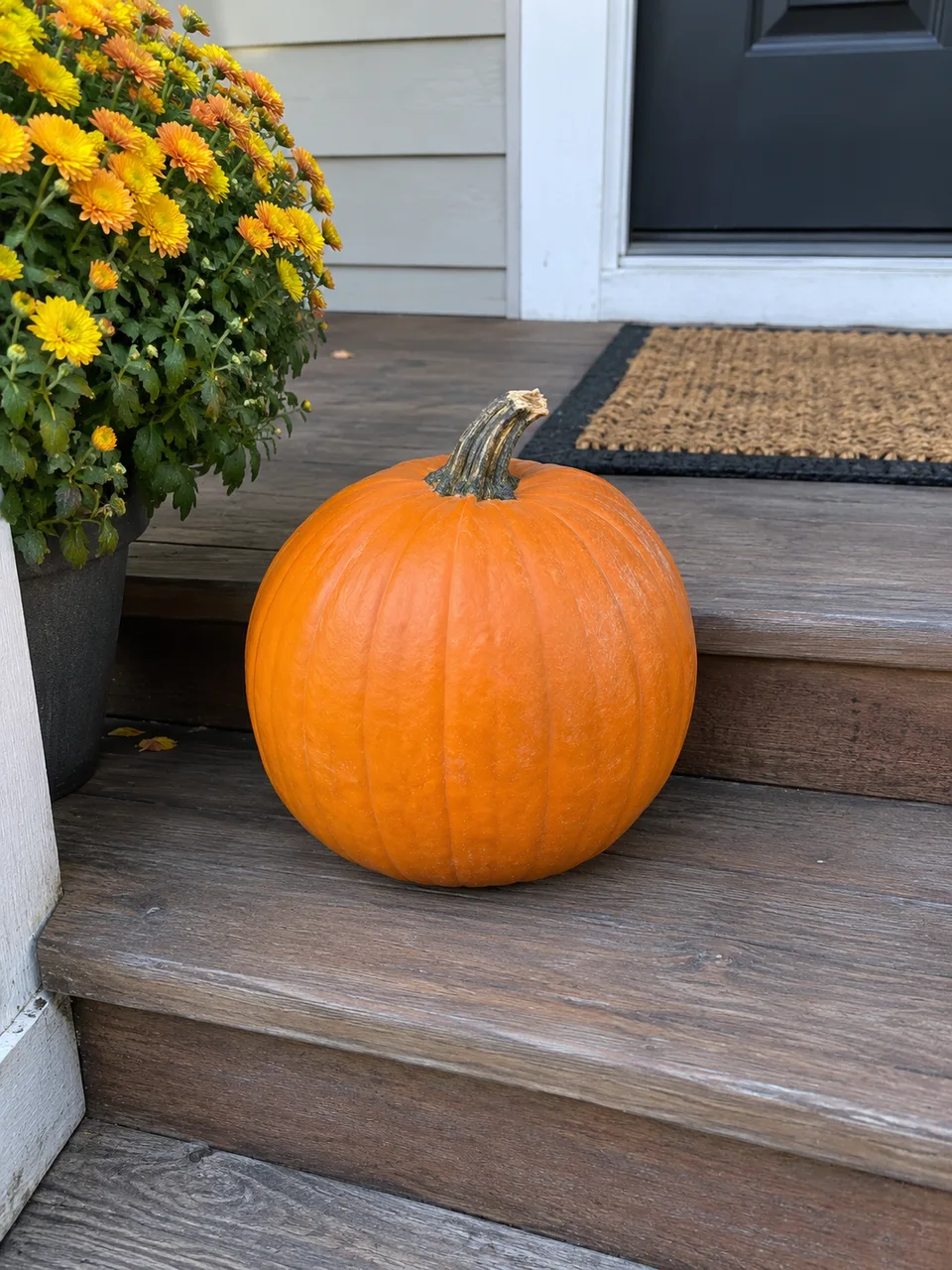
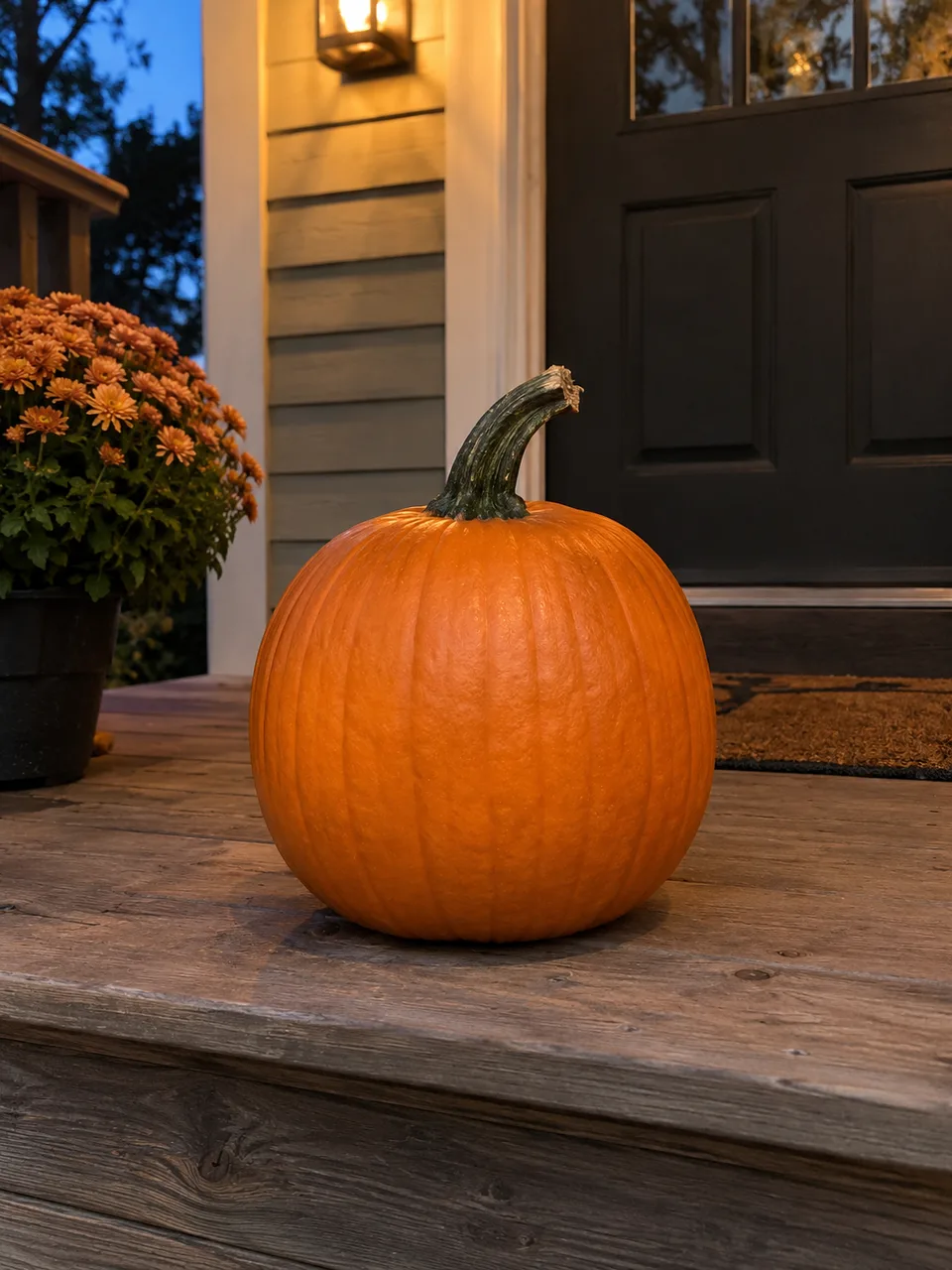
- Add your pumpkin. Upload a clear photo of the front of your own pumpkin, or pick one of six ready scenes: porch at night, candlelit table, foggy yard, windowsill, kids party or a white pumpkin.
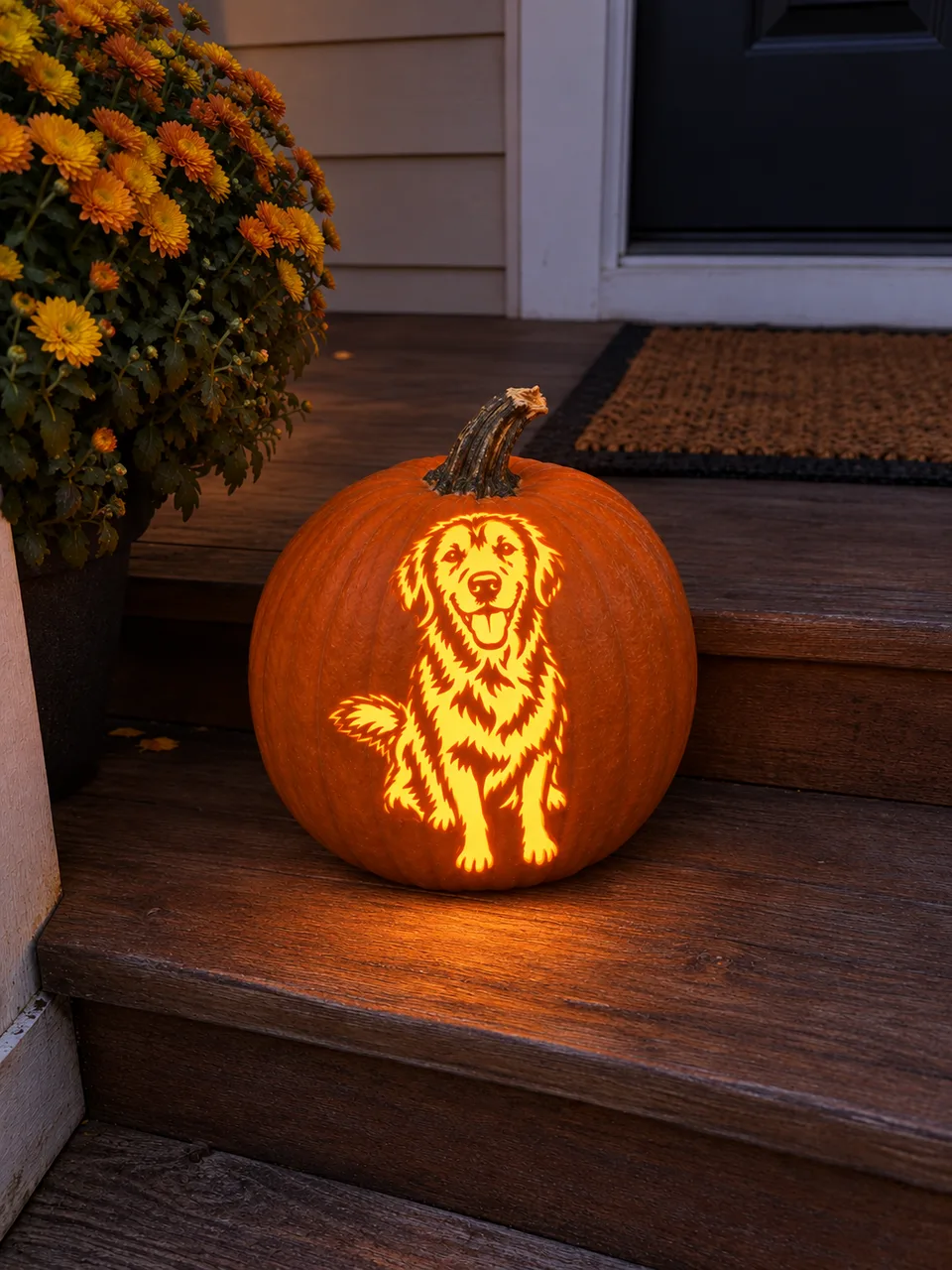
- See it carved and lit. AI keeps the shape, color, stem and surroundings of your pumpkin and carves the stencil into it, with every bridge intact and a candle glowing inside. Save the image, share it, or download the stencil PDF.
Real previews: before and after
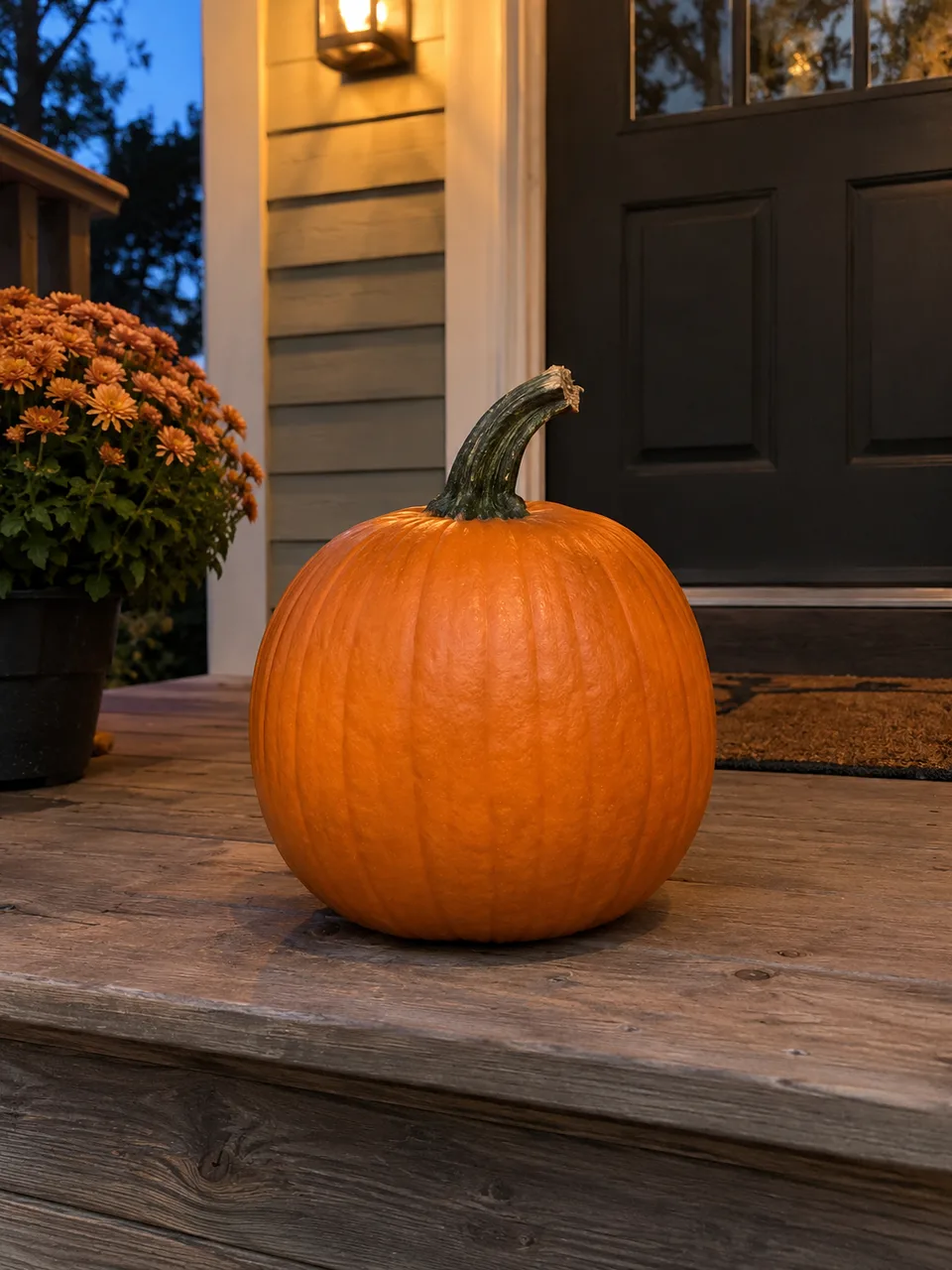
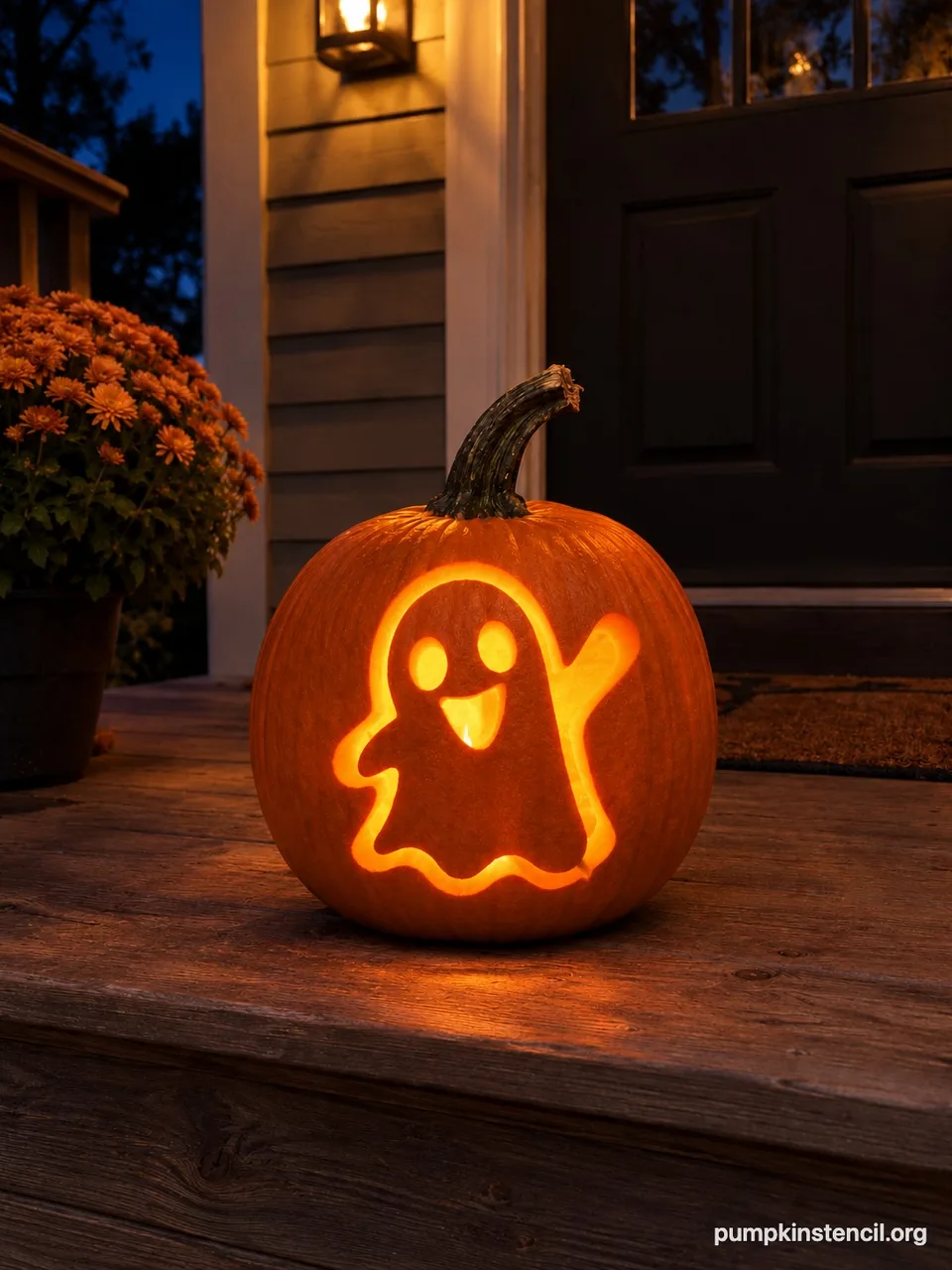
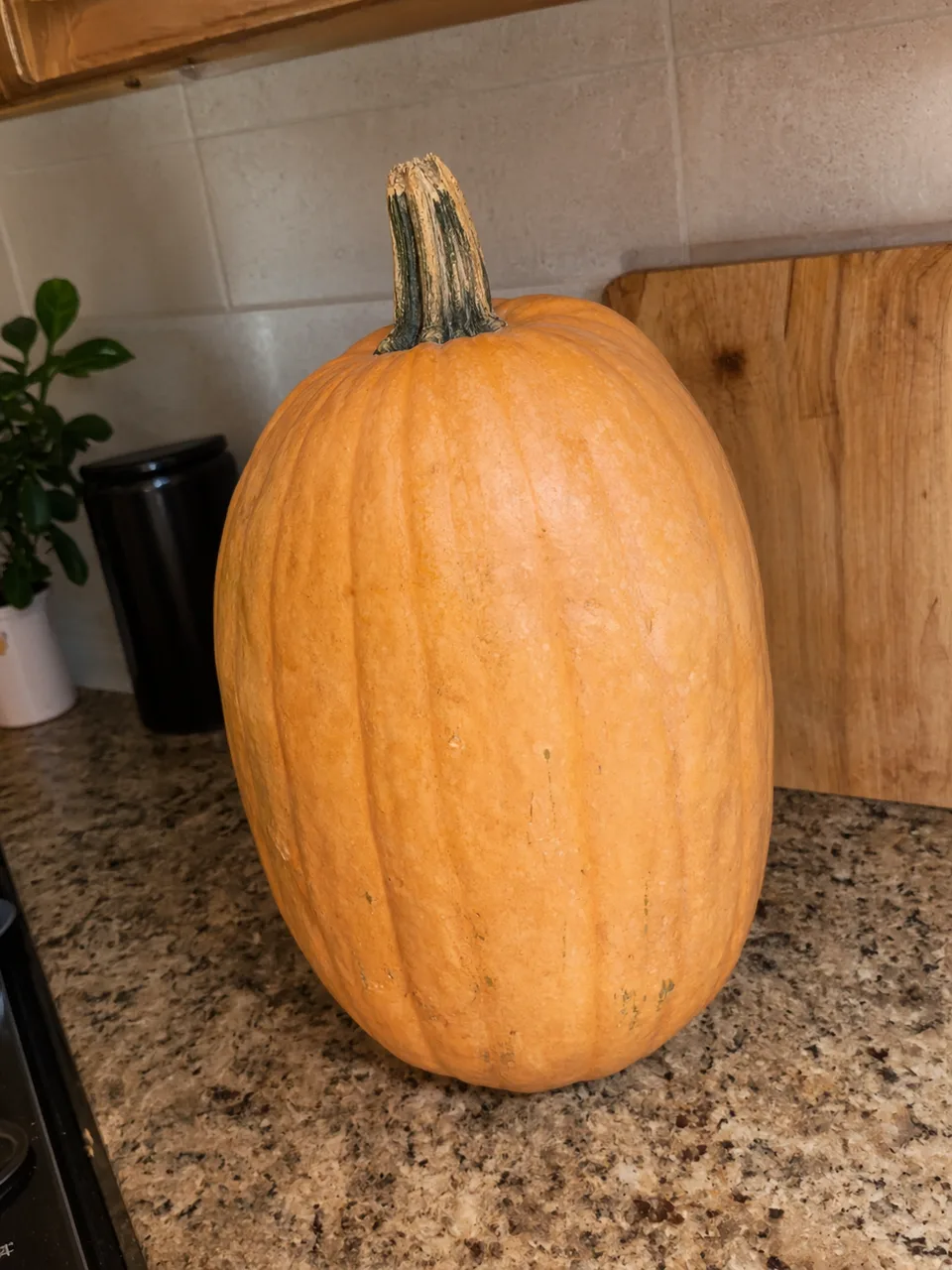
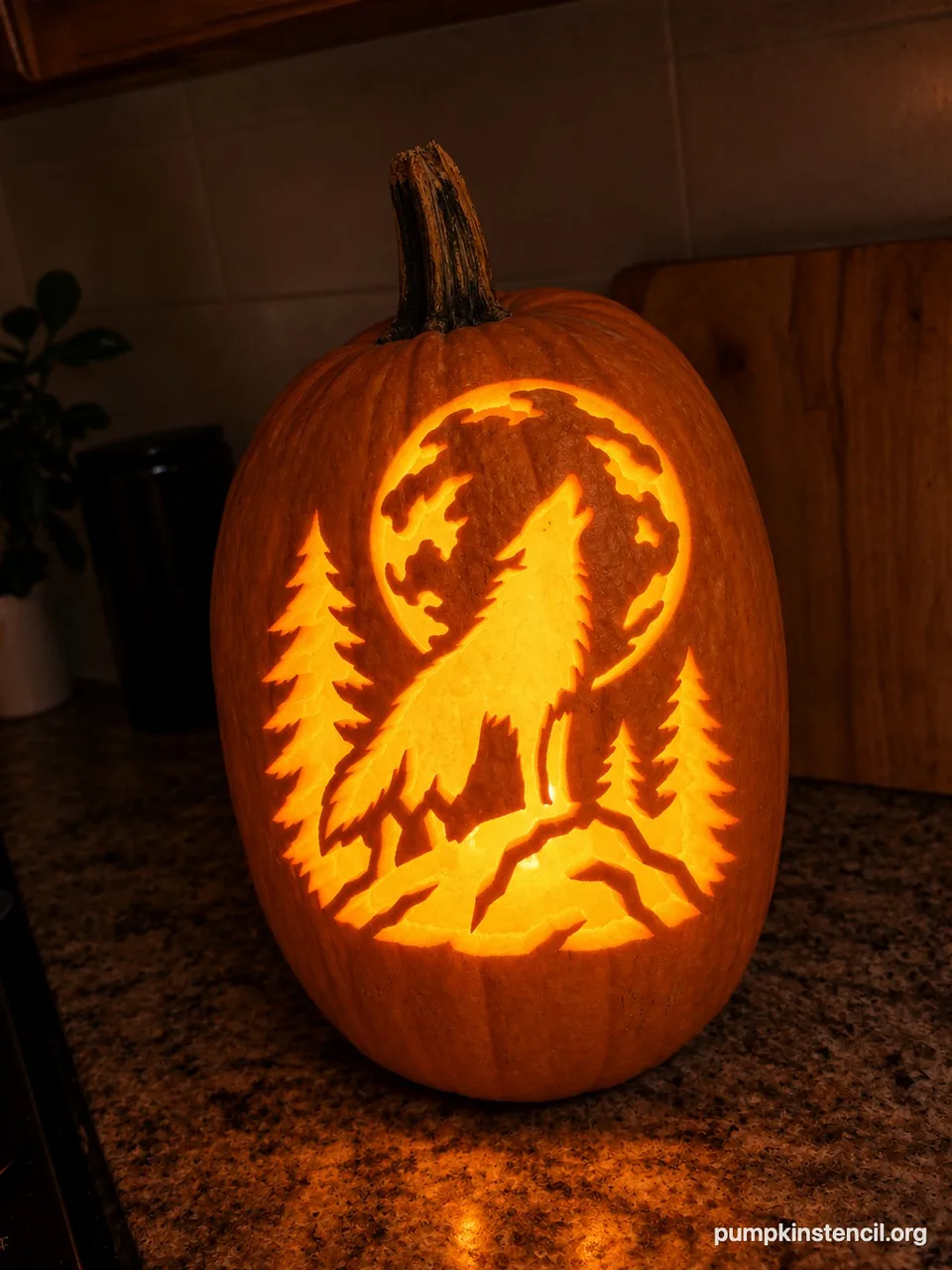
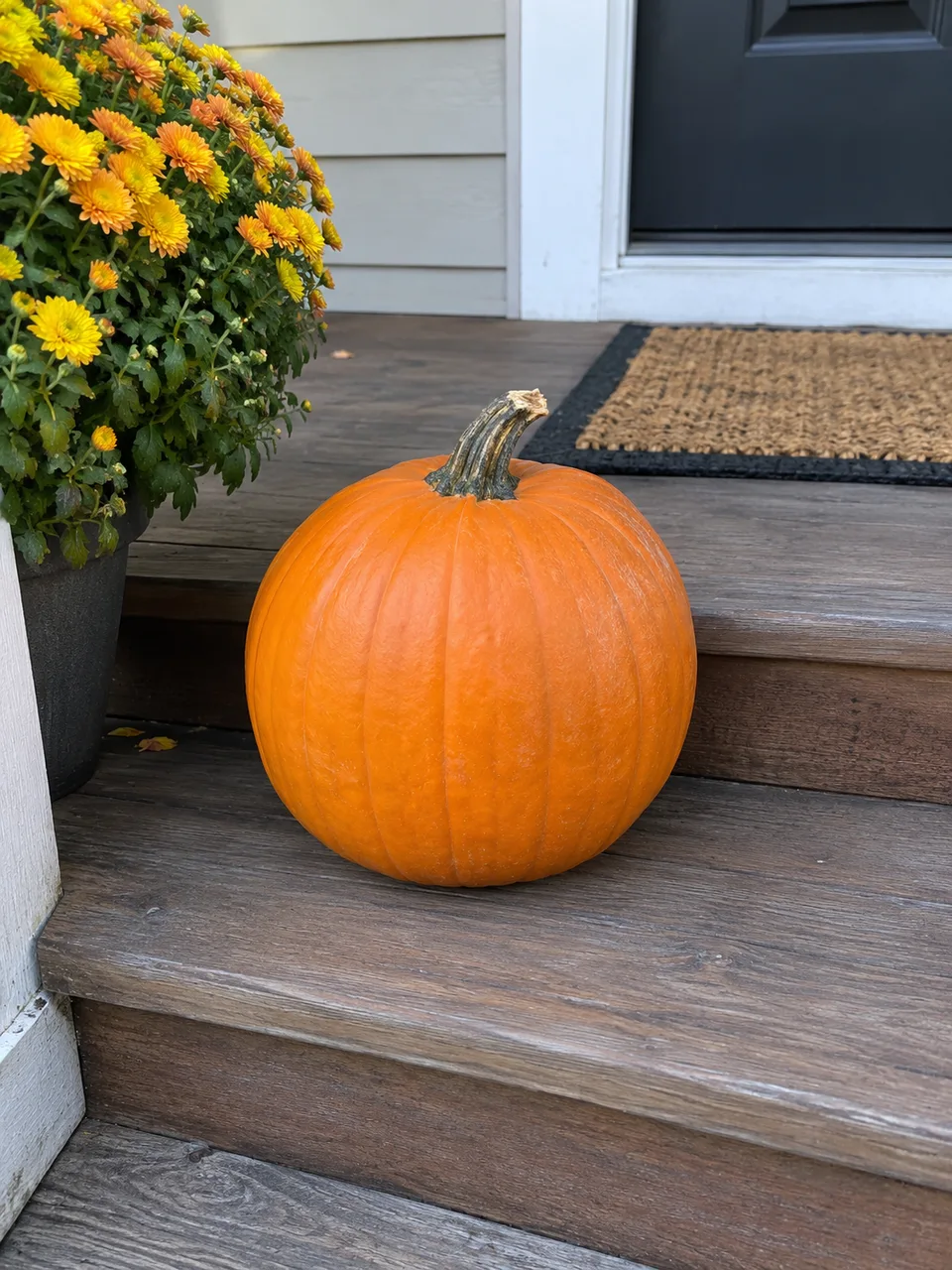
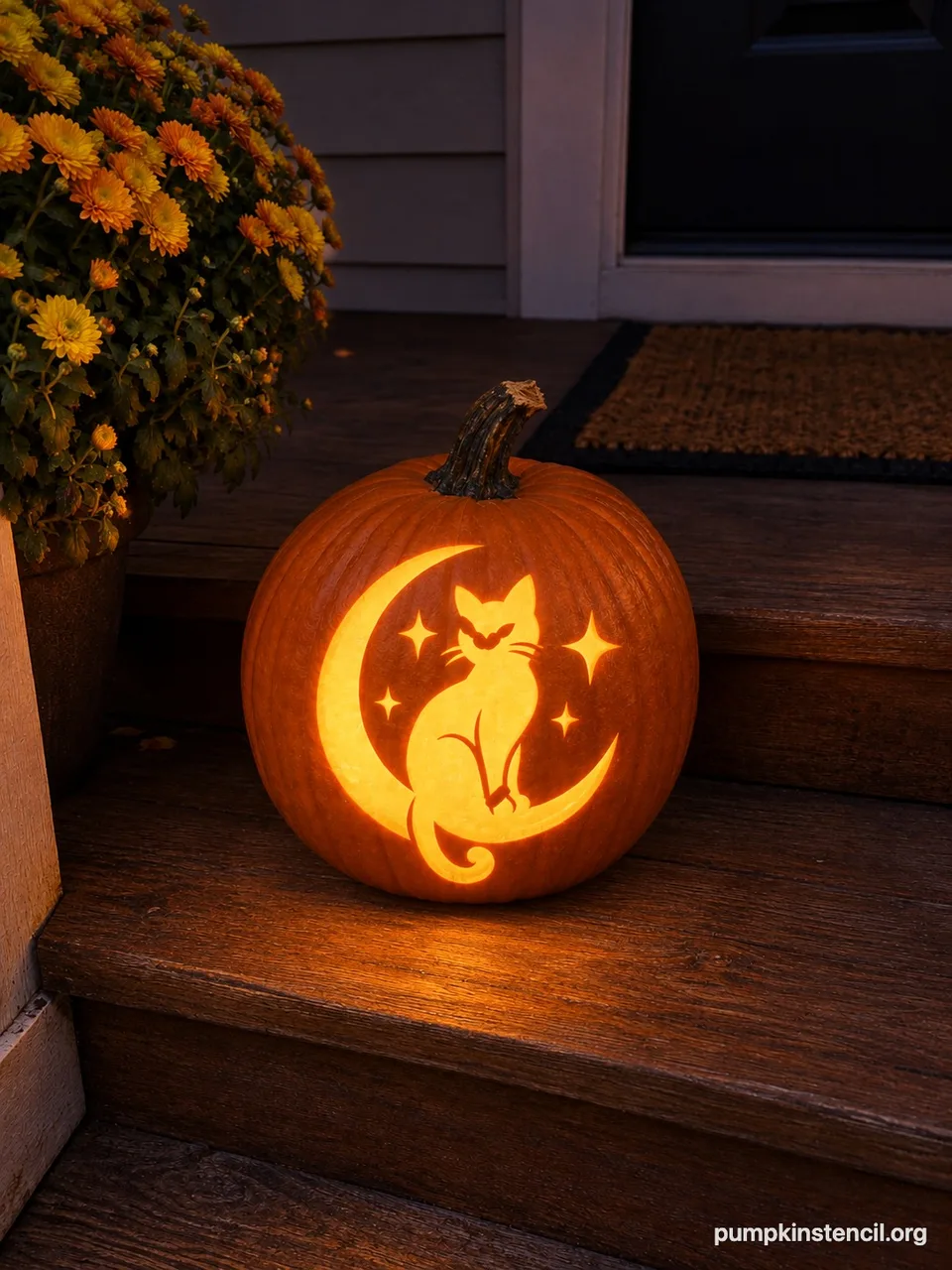
Virtual pumpkin preview vs your own pumpkin
Most carving previews put the design on a generic, computer-drawn pumpkin. That shows the pattern, but not how it fits the pumpkin sitting on your counter.
| Generic virtual pumpkin | Your own pumpkin (this tool) | |
|---|---|---|
| Pumpkin | The same stock pumpkin for everyone | A photo of your own pumpkin |
| Shape and size | Always round and evenly lit | Tall, flat, lopsided, white or warty: as it really is |
| Fit | Hard to tell if the design wraps or crowds the ribs | You see where the design lands on your pumpkin’s face |
| Light | A flat orange glow | Night glow, or the light already in your photo |
| Result | A screenshot of a pattern | A shareable photo of your pumpkin, plus the stencil PDF to carve |
The preview is a guide, not a promise: real cuts depend on your knife and your patience. But it answers the questions that matter before you start: is this design the right size, does it suit this pumpkin, and will it look good on the porch.
Tips for a good pumpkin photo
- Shoot the pumpkin straight on, at the height of its middle, with the smoothest side facing you.
- Keep the whole pumpkin and its stem in the frame with a little space around it.
- Daylight or a bright room works best; the AI adds the night glow for you.
- Tall pumpkins suit tall designs like wolves and ghosts; wide pumpkins suit faces and scenes.
- Try two or three stencils on the same pumpkin: your photo stays selected between previews.
Pumpkin carving preview questions
Can I see a carving design on my own pumpkin before I cut it?
Yes. Upload a photo of your pumpkin, choose a stencil and AI returns a photo of that same pumpkin carved and glowing. It keeps your pumpkin’s shape, color, stem and background.
How long does the pumpkin carving preview take?
About one minute, sometimes up to two. You can leave the page; the result is saved under My stencils in your account.
How much does it cost?
Each preview uses 10 credits. New accounts get 10 free credits, so the first preview is free. After that, credits come with the Annual, Monthly or Starter plans. If a preview fails, the credits are returned automatically.
Do you keep my pumpkin photo?
The photo is stored privately so the AI can process it and so you can find your result again in My stencils. It is not shown publicly or used for anything else, and you can ask support@pumpkinstencil.org to delete it.
Does it work with white, tall or odd-shaped pumpkins?
Yes. The preview follows the pumpkin in your photo, including white, green, tall, flat and warty pumpkins. Very dark or blurry photos give weaker results, so use a clear, well-lit shot.
Can I use a stencil I made myself?
Yes. Make a stencil from a photo of your pet or family in the stencil maker, then press “Carve it on my pumpkin” on the result to preview it on your pumpkin.
Need a design first? Browse the 150 free pumpkin carving stencils, or turn a photo of your pet into a stencil with the AI pet stencil maker.