Carving guide · quick answer
Do You Cut the Black or White of a Pumpkin Stencil?
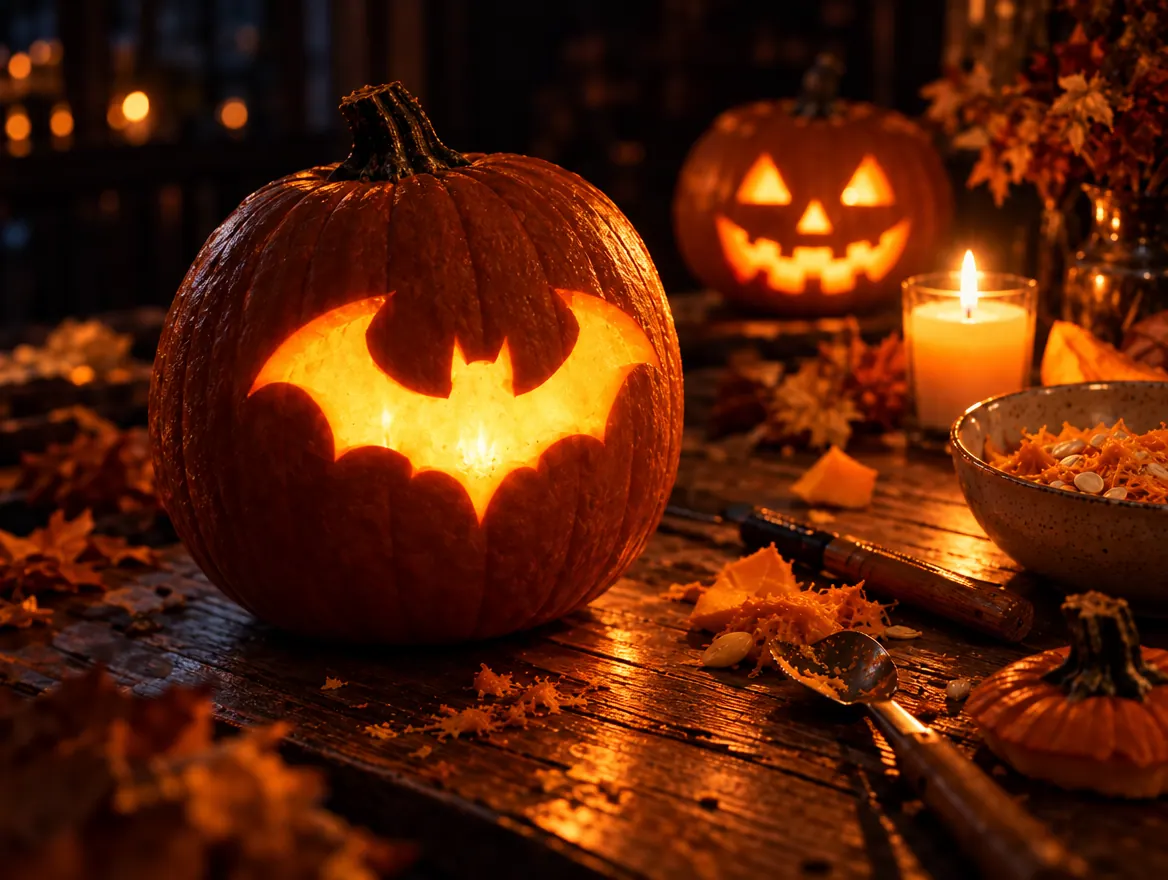
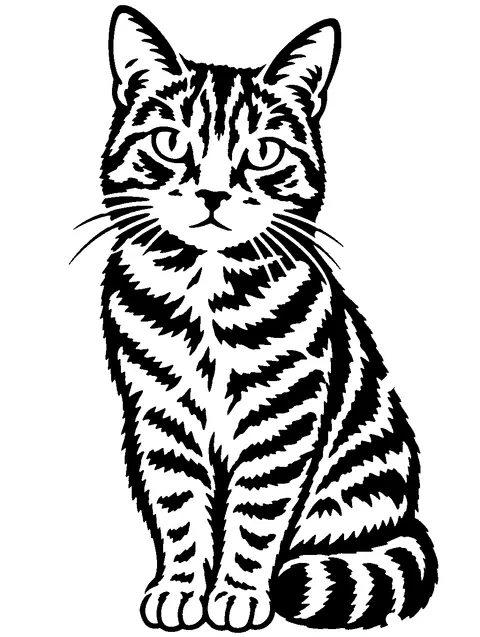
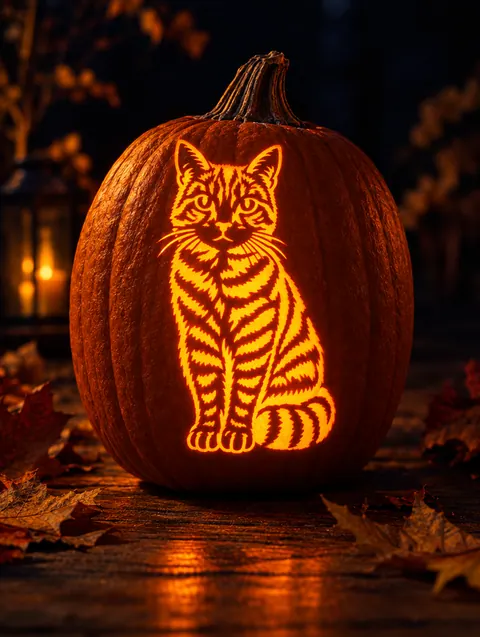
You cut out the black parts of a pumpkin stencil and leave the white parts as pumpkin skin. The black shapes become holes that glow when a candle is inside. On three-tone stencils, gray areas are scraped thin but not cut through, so they glow softly.
Updated · by the PumpkinStencil team
Why black means cut
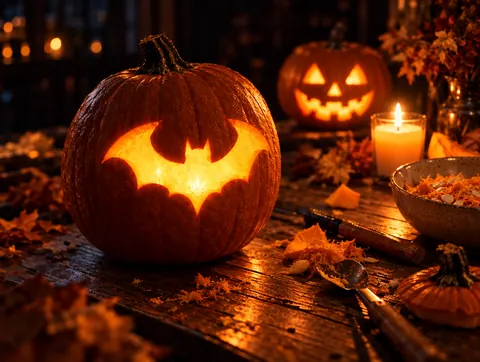
A stencil is drawn to look like the finished pumpkin in daylight: dark holes in an orange face. When you light it, the holes glow and the skin stays dark, so the result is a glowing version of the black shapes. That is why most designers, including us, print the cut-out areas in black.

How to read a stencil before you carve
STEP 1
Find the key
Look for a legend on the page. If there is none, assume black is cut. Our PDFs say it in the header: "Cut out the black areas, keep the white".
STEP 2
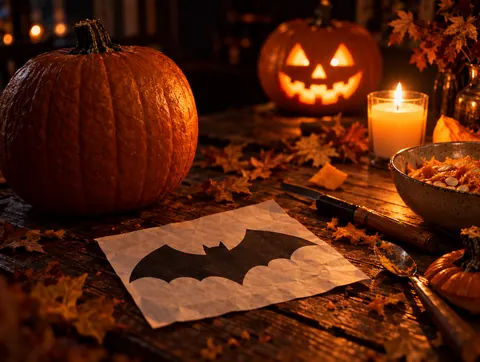
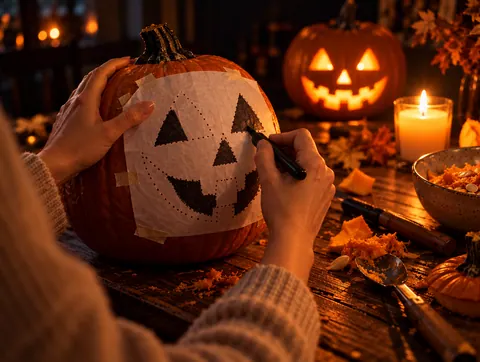
Shade what you will cut
After transferring the dots, shade the cut areas on the pumpkin with a washable marker. It stops you from cutting the wrong side of a line.
STEP 3
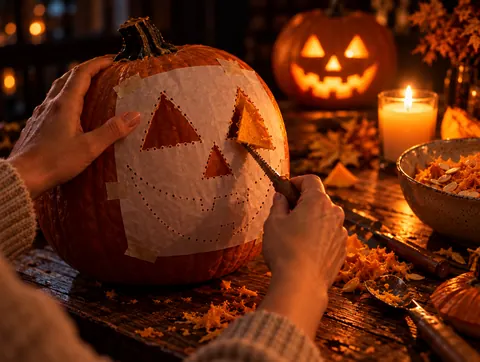
Cut out the black shapes
Saw along the outline of each black shape and push the piece out from inside the pumpkin.
STEP 4
Keep every white bridge
Thin white strips that connect inner skin to the rest of the face are bridges. Cut one and the piece inside it falls out.
STEP 5
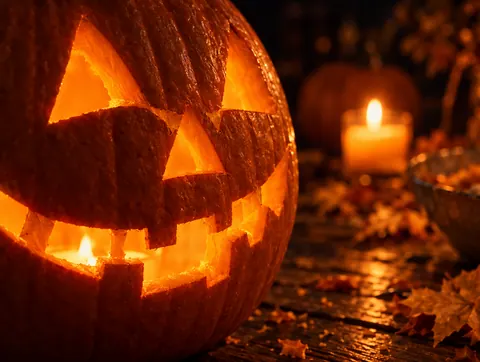
Light it and check
Put a light inside before you clean up edges. Dark spots that should glow are pieces you missed.
What do gray areas mean?
Gray shows up on three-tone stencils. Black is cut through, gray is scraped down to the pale flesh under the skin without breaking through, and white is untouched skin. Scraped areas glow a softer amber, which is how carvers get shading on faces and fur.
| On the stencil | What you do | How it looks lit |
|---|---|---|
| Black | Cut all the way through | Bright glow |
| Gray | Scrape the skin off, keep about 1 cm of flesh | Soft amber glow |
| White | Leave the skin | Dark |
What if a white piece floats inside a black area?
That piece has nothing holding it and will drop out when you cut around it, like the centre of a letter O. Good stencils connect every such island to the outside with a bridge. Our free stencil maker checks every design for floating pieces and adds bridges at least 4 mm wide at your print size, so you never have to hunt for them yourself.
Quick check
Put your finger on any white area. If you cannot trace a path through white to the outside edge of the design, that area will fall out.
Every stencil here is already checked
All 150 free designs are bridged and ready to print in small, medium or large.
Browse free stencilsWant your own design?
Drop a photo of your pet, your kids or your own pumpkin. AI turns pets and faces into a stencil that looks like them, shows any design carved on your pumpkin, or traces a logo for free.
Frequently asked questions
Do you cut the black or white of a pumpkin stencil?
Cut the black and keep the white. The black shapes become the glowing holes.
Is it ever the other way round?
Rarely. Some older pattern books print the cut areas in white or gray. If the page has a legend, follow it; if not, assume black is cut.
What does gray mean on a pumpkin stencil?
Gray means scrape the skin off without cutting through. It creates a softer glow for shading on three-tone designs.
Why did part of my pumpkin fall out?
A white piece had no bridge connecting it to the rest of the skin. Stencils made with our maker add bridges automatically.
Can I invert a stencil?
Yes. In our stencil maker the "Swap black and white" option flips it, which turns a silhouette into a glowing outline.
Do I cut the outline or the inside of a shape?
Cut along the outline and remove the whole black shape. If only a thin black line is drawn, you cut just that line.