Free Pumpkin Stencil Maker
Free · no sign-up · runs in your browser
Free pumpkin stencil maker: upload any photo and get a carvable stencil. No sign-up, runs in your browser, finds pieces that would fall out and bridges them, lit preview, PDF or PNG sized for your pumpkin. AI likeness for pets and faces, first one free.
Download options appear after your stencil is ready
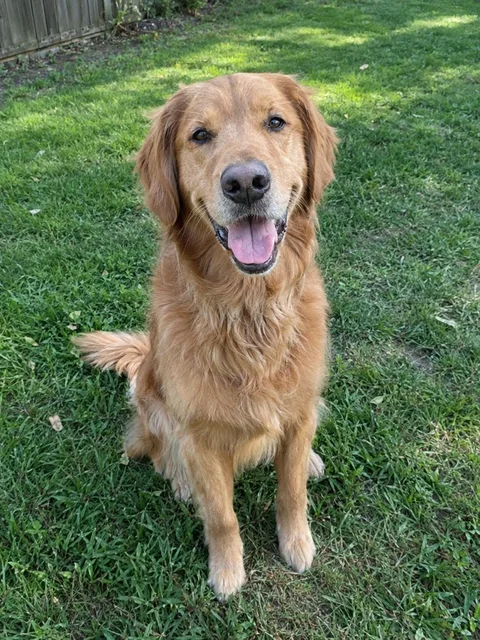
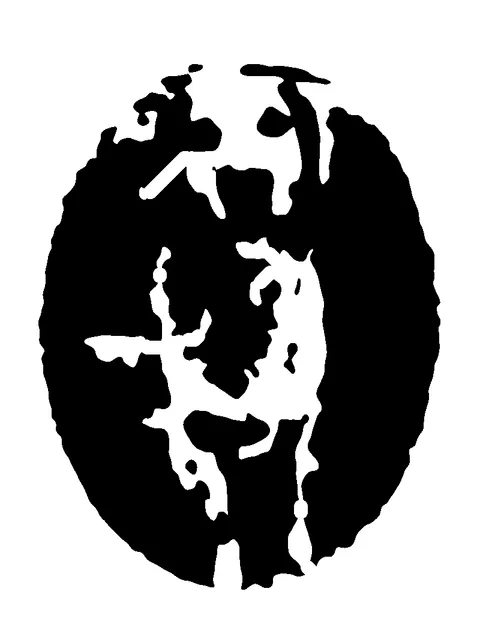
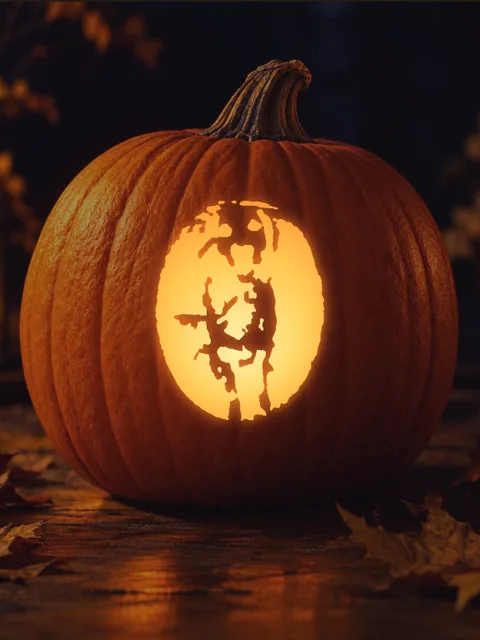
Make your own pumpkin stencil from any photo, free and without signing up. The maker turns your picture into a two-tone carving stencil in seconds, finds pieces that would fall out and bridges them, shows it glowing on a real pumpkin and prints a PDF sized for your pumpkin.
Updated · by the PumpkinStencil team
How to make a pumpkin stencil online
STEP 1
Upload a photo
Drop a JPG, PNG or WebP on the carving table. Close-ups with one subject work best.
STEP 2
Pick Classic or AI likeness
Classic traces the photo in your browser for free. AI likeness redraws your pet or face as clean carving shapes.
STEP 3
Choose Easy, Medium or Hard
Easy keeps a few big shapes; Hard keeps more detail for experienced carvers.
STEP 4
Check the bridges and the lit preview
Floating pieces are bridged automatically. Switch to Lit pumpkin to see it glowing on a real pumpkin, or upload yours.
What you get
| Price | Classic mode free and unlimited. AI likeness: 1 free stencil when you sign up, then from $2.99/mo billed yearly |
| Sign-up | Not needed for classic mode |
| Where it runs | Classic mode runs in your browser; your photo is not uploaded |
| Time | Classic: about 1 second. AI likeness: about 20–60 seconds |
| Difficulty levels | Easy, Medium, Hard |
| Falling pieces | Detected and bridged automatically (bridges at least 4 mm at your print size) |
| Preview | Lit pumpkin preview on 10 real pumpkin photos, or upload your own pumpkin |
| Downloads | PDF (US Letter or A4) sized for 6", 8" or 10" pumpkins, and PNG |
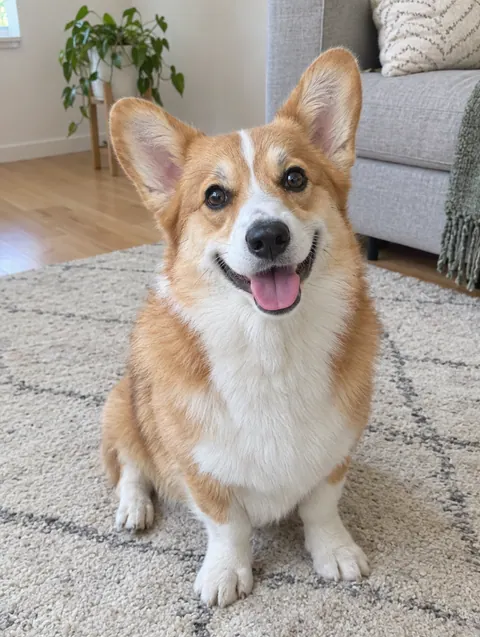
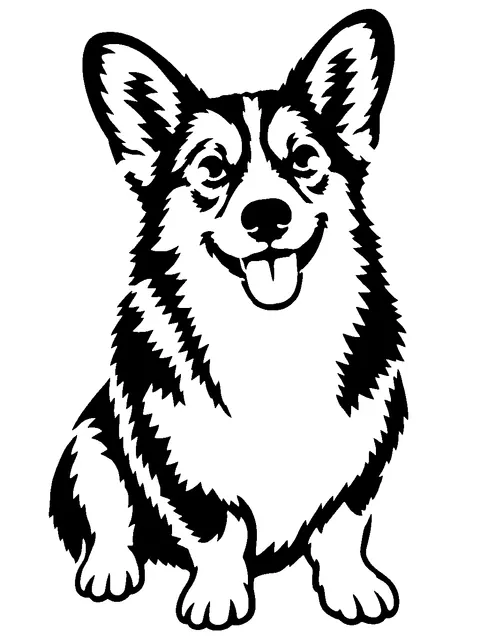
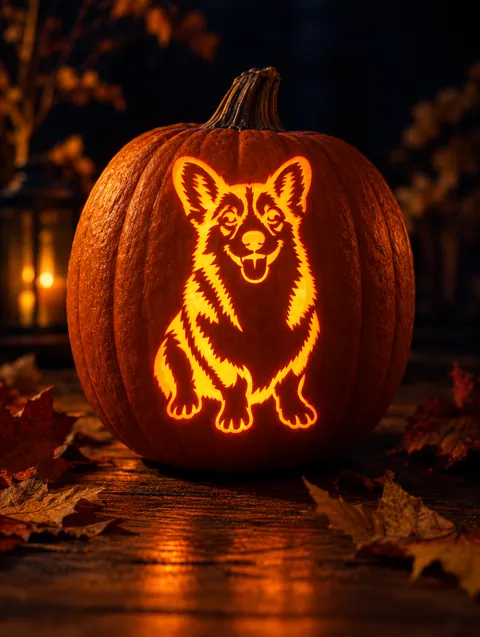
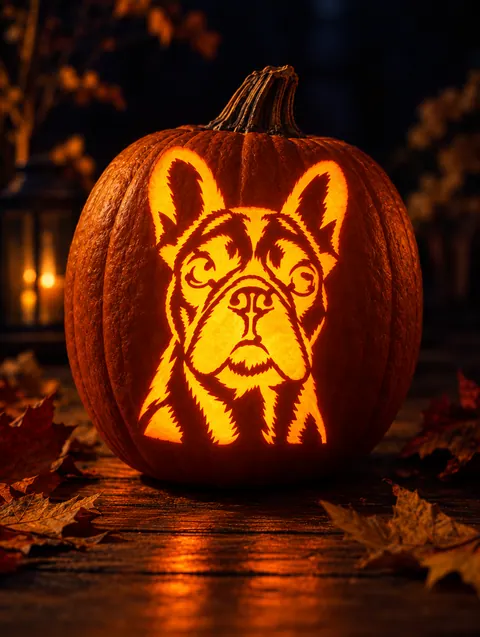
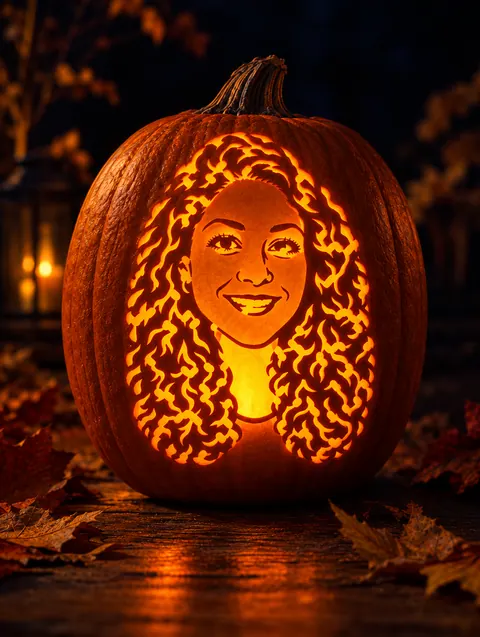
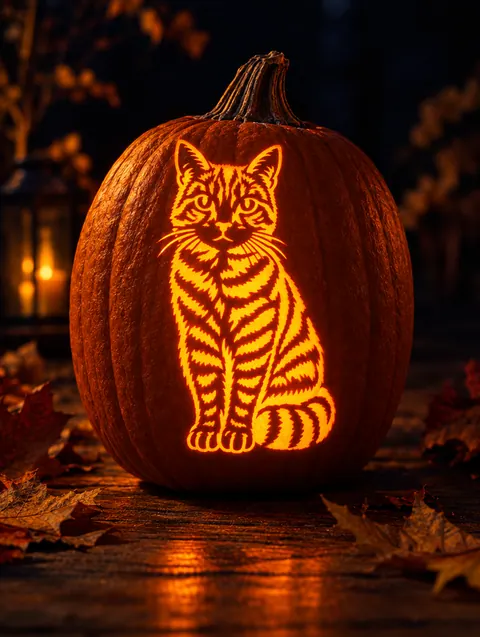
Made with the maker
How it compares to free converters
Most free tools apply a single brightness threshold: fine for silhouettes, but a busy photo turns into dark blobs and nothing tells you which pieces will drop out. Our classic mode works the same way for free, then adds the parts that make a stencil carvable. AI likeness is the paid upgrade for when you want it to actually look like your dog.
| Typical free photo converter | PumpkinStencil | |
|---|---|---|
| Turns a photo into black and white | Yes | Yes (classic mode) |
| Looks like your pet or face on busy photos | Often a dark blob | Yes, AI likeness redraws the subject |
| Finds pieces that fall out when carved | No | Yes, and adds bridges |
| Lit pumpkin preview | Rarely | Yes, on real pumpkin photos |
| PDF sized for your pumpkin | Rarely | Yes, 3 sizes, Letter or A4 |
| Free | Yes | Classic mode yes; AI uses credits |
Tips for a better stencil
- Crop tight. Faces fill the frame, background barely visible.
- Light from one side. Shadows become the cut shapes.
- Use Focus on the subject in classic mode to fade a busy background.
- Try Swap black and white if the result looks like a negative.
- Pick Easy for kids and small pumpkins.
Frequently asked questions
Is this pumpkin stencil maker free?
Yes. Classic mode is free and unlimited with no sign-up. AI likeness gives you 1 free stencil when you create an account.
How can I turn pictures into pumpkin stencils?
Upload the picture above, choose a difficulty, check the lit preview and download the PDF.
Do I need to sign up?
No, not for classic mode. AI likeness needs a free account so we can track credits.
Is my photo uploaded?
In classic mode, no: everything runs in your browser. In AI mode the photo is sent once to generate the stencil.
Will pieces fall out when I carve it?
No. The maker finds every white island and connects it with a bridge at least 4 mm wide at the size you print.
What size will the stencil print?
Choose Small 6", Medium 8" or Large 10" and US Letter or A4. A 5 cm scale bar confirms you printed at 100%.
Can I make a stencil from a picture of my dog?
Yes. See the dog pumpkin stencil page for tips and breed examples.
How do I transfer the stencil to a pumpkin?
Tape it on, poke along the lines, peel it off and carve. Full guide: how to use a pumpkin stencil.
Is there a pumpkin stencil app?
This maker works in any phone browser, no app download needed.