Photo to Pumpkin Stencil Converter
Upload a photo · free · PDF
Upload a photo of your dog, cat or family and get a carvable pumpkin stencil in seconds. Free, no sign-up, runs in your browser, bridges pieces that would fall out, lit preview, PDF or PNG sized for your pumpkin. AI likeness version: first one free.
Download options appear after your stencil is ready
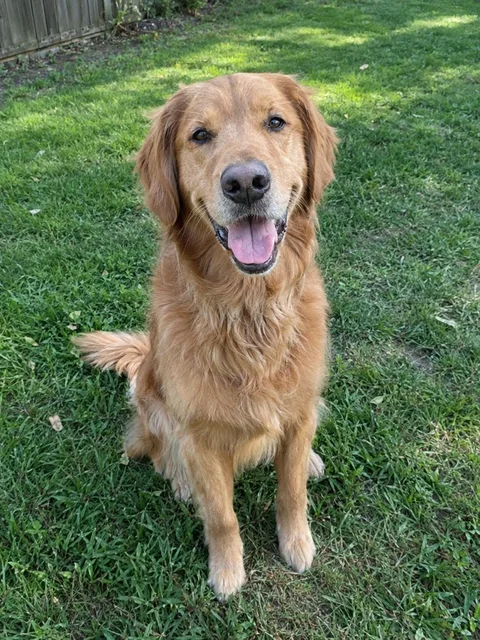
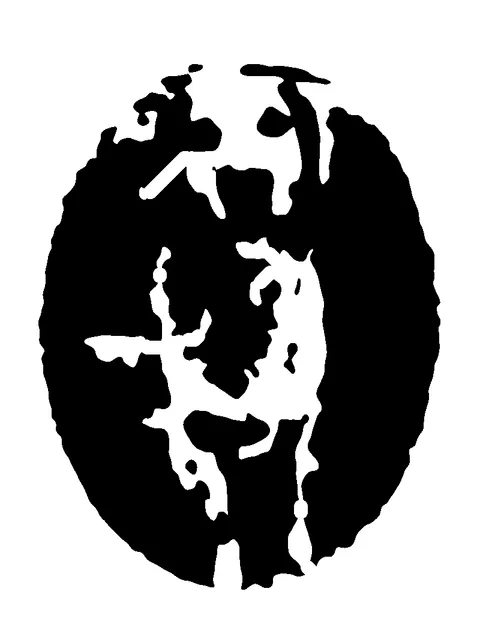
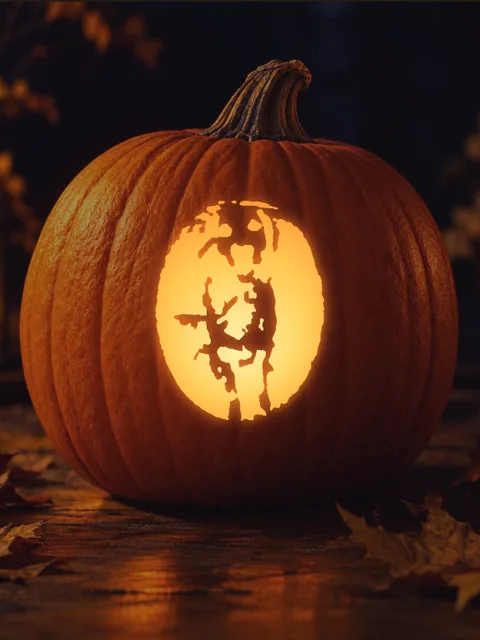
Convert a photo into a pumpkin stencil online for free: upload a picture of your pet, your kids or yourself, choose Easy, Medium or Hard and download a printable PDF in seconds. No sign-up, the free mode runs in your browser, and every floating piece is bridged so nothing falls out.
Updated · by the PumpkinStencil team
How to convert a photo to a pumpkin stencil
STEP 1
Upload a photo
Drop a JPG, PNG or WebP on the carving table. Close-ups with one subject work best.
STEP 2
Pick Classic or AI likeness
Classic traces the photo in your browser for free. AI likeness redraws your pet or face as clean carving shapes.
STEP 3
Choose Easy, Medium or Hard
Easy keeps a few big shapes; Hard keeps more detail for experienced carvers.
STEP 4
Check the bridges and the lit preview
Floating pieces are bridged automatically. Switch to Lit pumpkin to see it glowing on a real pumpkin, or upload yours.
Photo → stencil → carved pumpkin
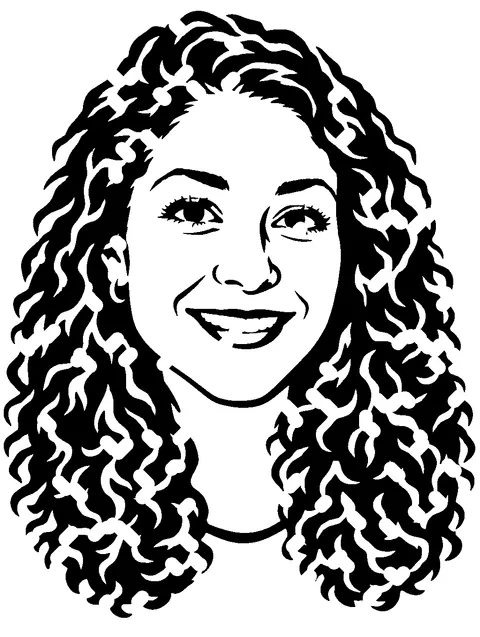
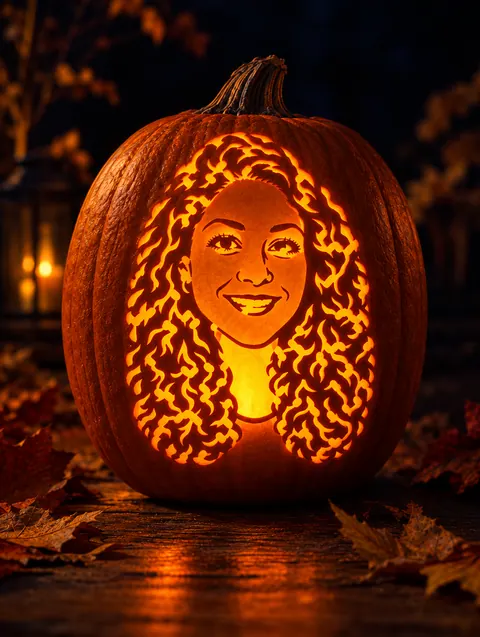
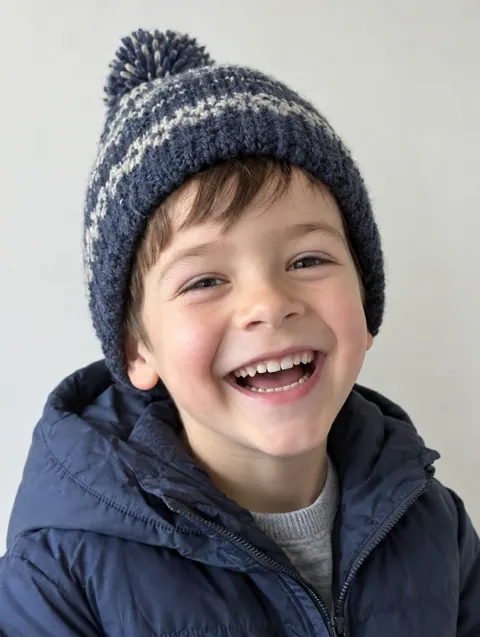
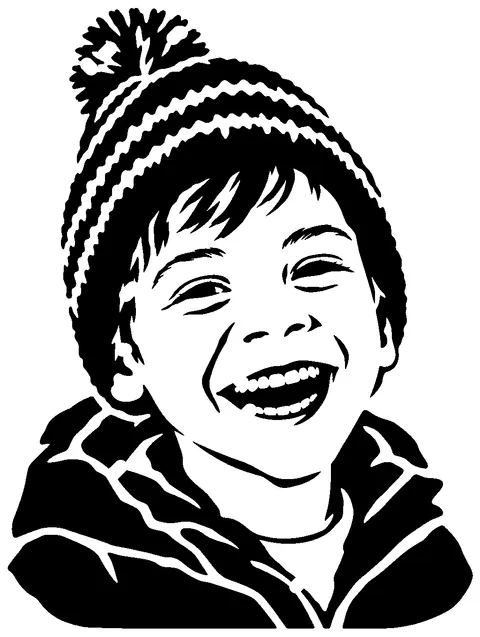
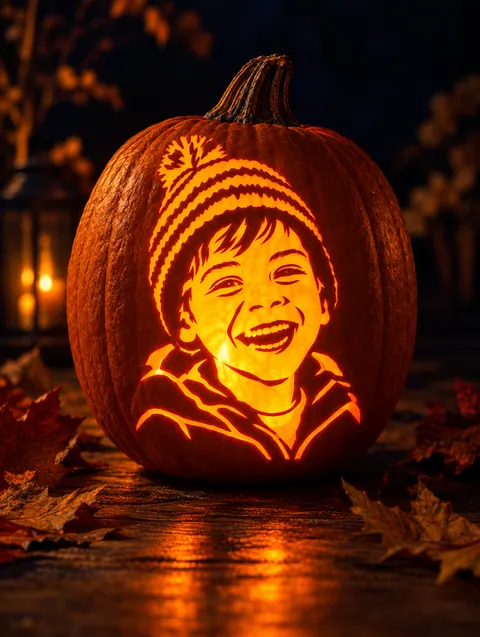
Which photos make good stencils
| Works well | Works poorly |
|---|---|
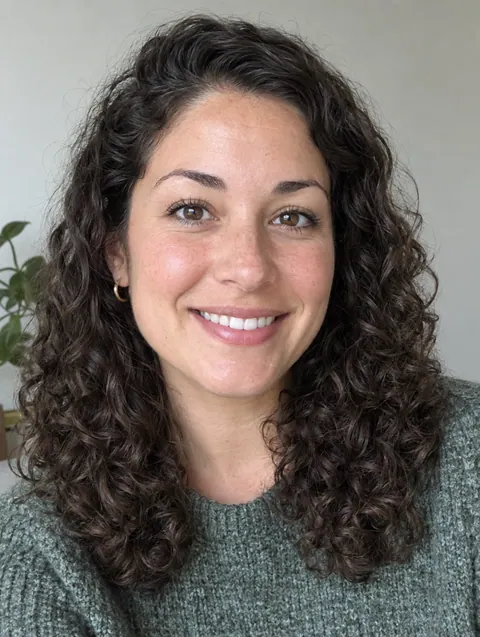
| Close-up face, looking at camera | Full-body shot far away |
| Plain background | Busy room or crowd |
| Light from one side | Flat, dim or backlit photos |
| One subject | Group of five people |
Group photo? Make one stencil per person and carve a row of pumpkins. Busy background? Use AI likeness, which redraws only the subject.
What you get
| Price | Classic mode free and unlimited. AI likeness: 1 free stencil when you sign up, then from $2.99/mo billed yearly |
| Sign-up | Not needed for classic mode |
| Where it runs | Classic mode runs in your browser; your photo is not uploaded |
| Time | Classic: about 1 second. AI likeness: about 20–60 seconds |
| Difficulty levels | Easy, Medium, Hard |
| Falling pieces | Detected and bridged automatically (bridges at least 4 mm at your print size) |
| Preview | Lit pumpkin preview on 10 real pumpkin photos, or upload your own pumpkin |
| Downloads | PDF (US Letter or A4) sized for 6", 8" or 10" pumpkins, and PNG |
Free converter vs AI likeness
| Typical free photo converter | PumpkinStencil | |
|---|---|---|
| Turns a photo into black and white | Yes | Yes (classic mode) |
| Looks like your pet or face on busy photos | Often a dark blob | Yes, AI likeness redraws the subject |
| Finds pieces that fall out when carved | No | Yes, and adds bridges |
| Lit pumpkin preview | Rarely | Yes, on real pumpkin photos |
| PDF sized for your pumpkin | Rarely | Yes, 3 sizes, Letter or A4 |
| Free | Yes | Classic mode yes; AI uses credits |
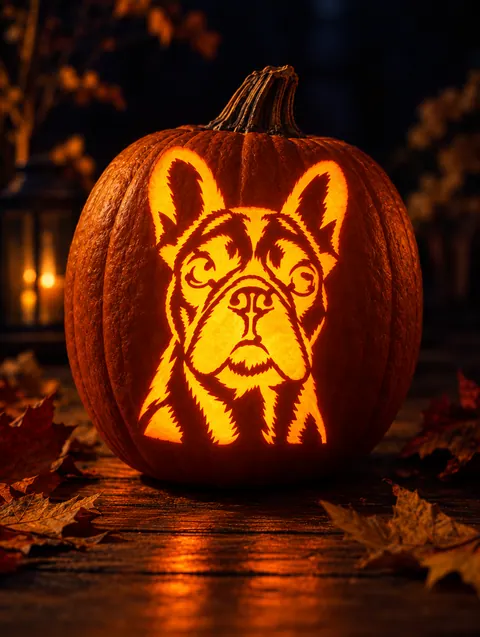
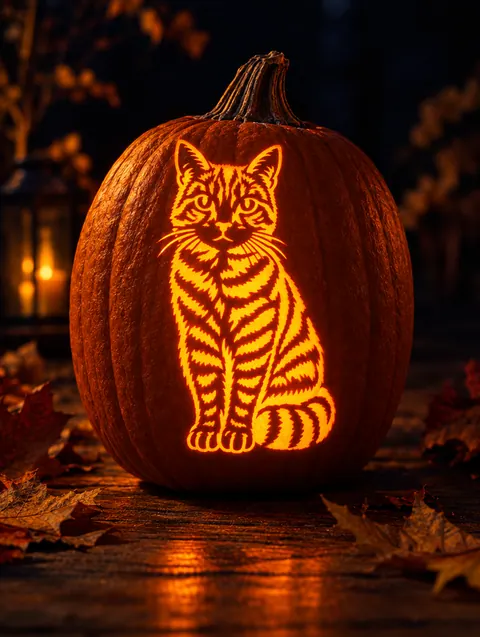
Frequently asked questions
How can I convert a photo to a pumpkin stencil?
Upload it above, choose a difficulty and download the PDF. The free classic mode needs no sign-up.
Is the photo to pumpkin stencil converter free?
Classic mode is free and unlimited. AI likeness includes 1 free stencil with an account.
How do I carve a pumpkin from a photo?
Print the stencil at your pumpkin size, tape it on, poke along the lines and cut out the black areas.
How do I transfer an image onto a pumpkin?
Use the poke-and-dot method or transfer paper. See how to use a pumpkin stencil.
Can I make a stencil of my face?
Yes. Use a close-up selfie with light from one side; AI likeness keeps the eyes, smile and hair recognizable.
Do you keep my photos?
Classic mode never uploads them. AI mode sends the photo once to make the stencil; we keep only the result in your account.
Can I convert a celebrity or cartoon image?
Please only upload photos you have the right to use. We do not provide copyrighted character stencils.
Can I download a PNG too?
Yes, PDF and PNG are both free.